
Support
App credit refund
Want to get back unused credit from the CoffeeMat app? Send us a request. We will check it against your account and get back to you by e‑mail with the next steps.
Request
Credit refund request
Thank you, we have received your request.
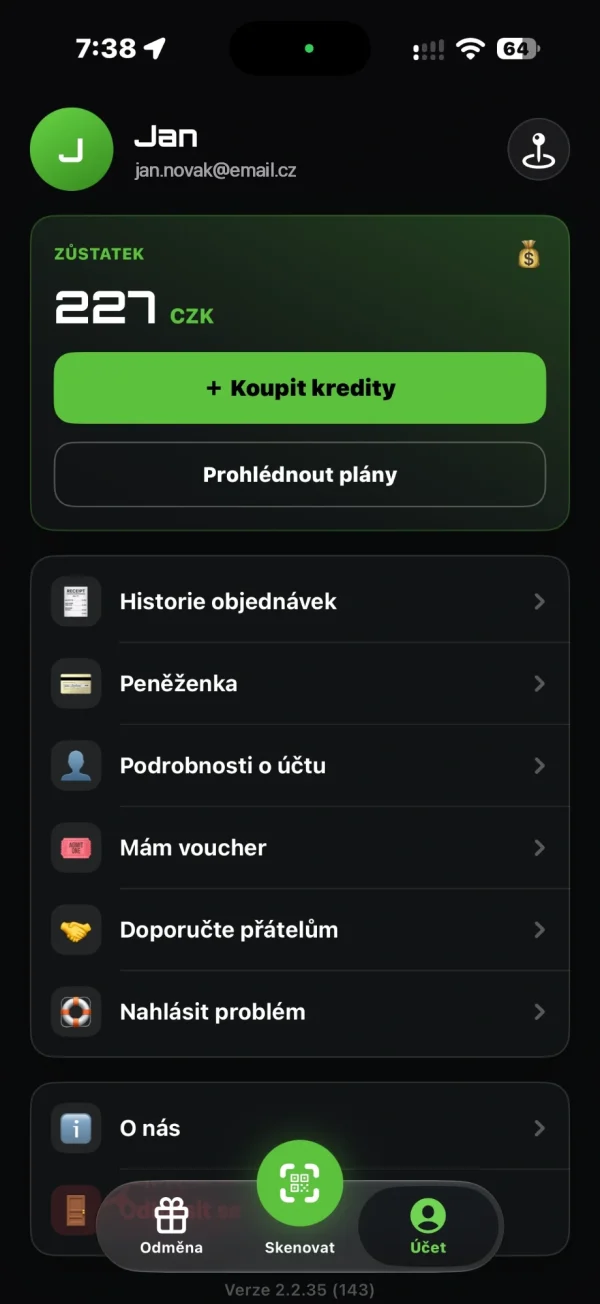
Send us your request by e‑mail to podpora@coffeemat.cz. Tell us the e‑mail you use to sign in to the app and whether the credit is in CZK or in EUR. Don’t send your bank account number yet – if we need it, we will ask for it in our reply.
Before you start
Good to know
Your account e‑mail
Enter the e‑mail you use to sign in to the app. We use it to find your account.
No account number
Don’t write your bank account number in the form. If we need it, we will ask for it in our reply.
CZK or EUR
We keep credit in CZK and in EUR separately. Choose which one it is.
Don’t delete your account yet
Deleting your account does not forfeit the credit you paid for, but you can no longer use it in the app. Please wait until we have handled your request – your account is the easiest way for us to verify the balance of paid credit we refund.
More options
Is it about a specific purchase?
If a drink was not dispensed or a payment did not go through as it should, use the problem report form. We find the purchase by place and time.